This report is also posted to the L5 devlog.
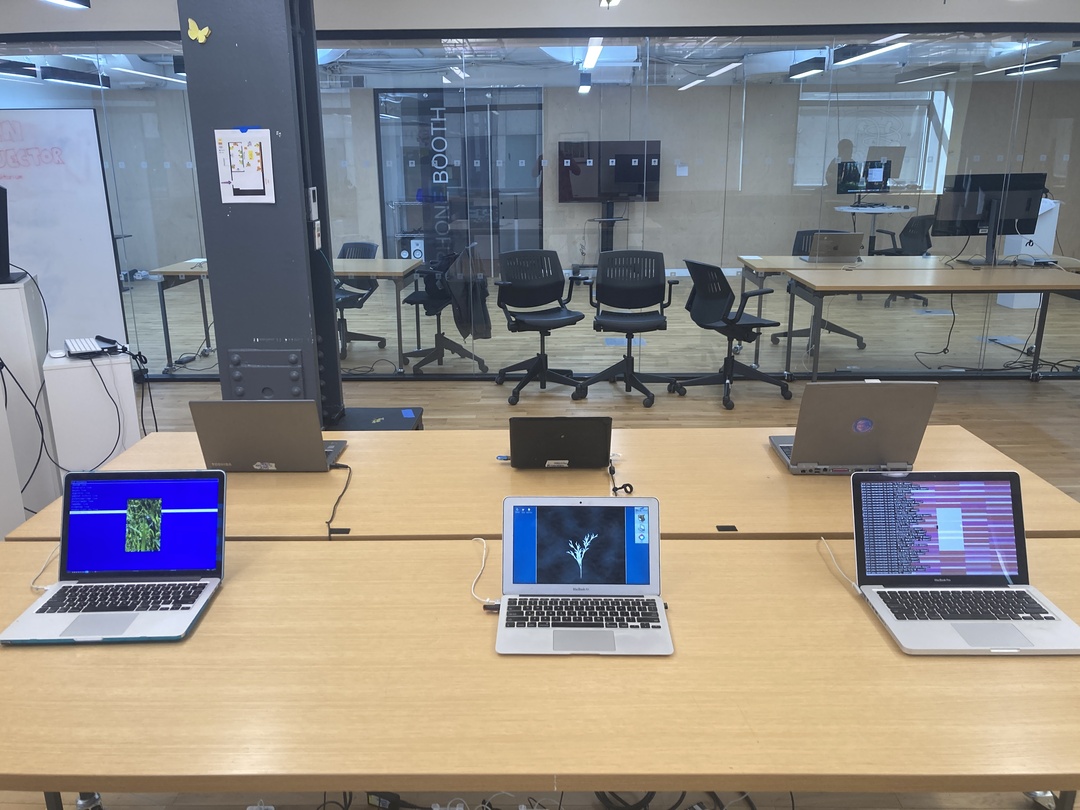
The L5 Cyber Cafe is a collection of older laptops presenting projects made in the L5 creative coding library. It is inspired by the Speed Show exhibition format conceived by artist Aram Bartholl and the Electronic Cafe for Poetic Computation by School for Poetic Computation. The first L5 Cyber Cafe presented 12 works made for the L5 Community Jam September 25 - October 3, 2026, presented in exhibition at Processing Community Day NYC.
The Cyber Cafe computers are older hardware machines dating from 2005 to 2015, with a variety of operating systems, presenting works made in L5, a lightweight creative coding library that responds to principles of permacomputing. L5 projects are cross-platform and use less computing resources. They are one part of a wider goal of providing empowering tools in resistance to big tech and to stem the infliction of planned obsolescence.
The artworks
Like Processing and p5.js, the L5 library can be used to create a variety of heterogenous projects, with various styles and approaches to using code to make art and interactive work on the computer.
12 works were presented on 6 Cyber Cafe computers, served from the L5 Launcher program. They were made by people of many different backgrounds and experiences, included those fairly new to programming as well as those who have worked creating project with Processing-like libraries for many years.
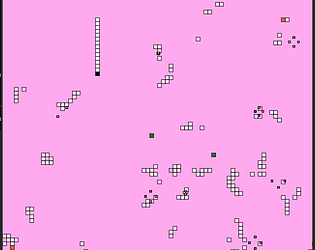
Pink Snake, by s4b3r6

Sea Jam, by Flobbington

Bloom/Wilt, by cthompto

Bouncy Balls Make Number Go Up, by dakota.pck
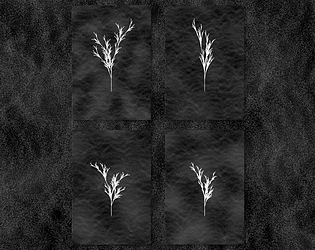
Digitalis, by Sof

Kitty wheels - espinal, by pinchey
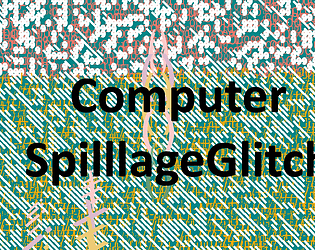
ComputerSpillageGlitch, by IllestPreacha
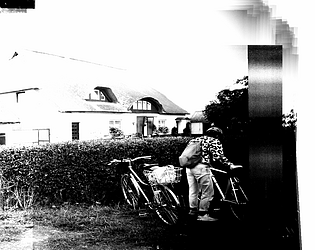
Photocrapier, by notapipe
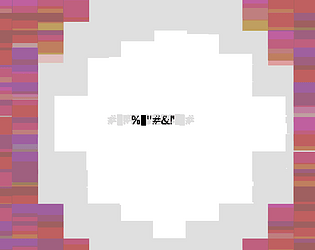
did you write that down?, by jxiden
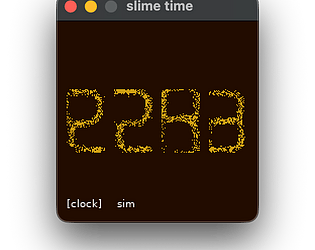
slime time, by nilay

‘untitled’ by saturn !

sphere glider, by bird
The machines
6 computers made up the first presentation of the L5 Cyber Cafe:
- Dell Latitude D610 - 2015 - antiX Linux
- Eee PC 1005HA - 2009 - Windows XP, antiX Linux live USB
- Macbook - 2012 - antiX Linux
- Toshiba Portege - 2013 - antiX Linux
- Macbook Pro - 2011 - antiX Linux
- Macbook Air - 2015 - Haiku
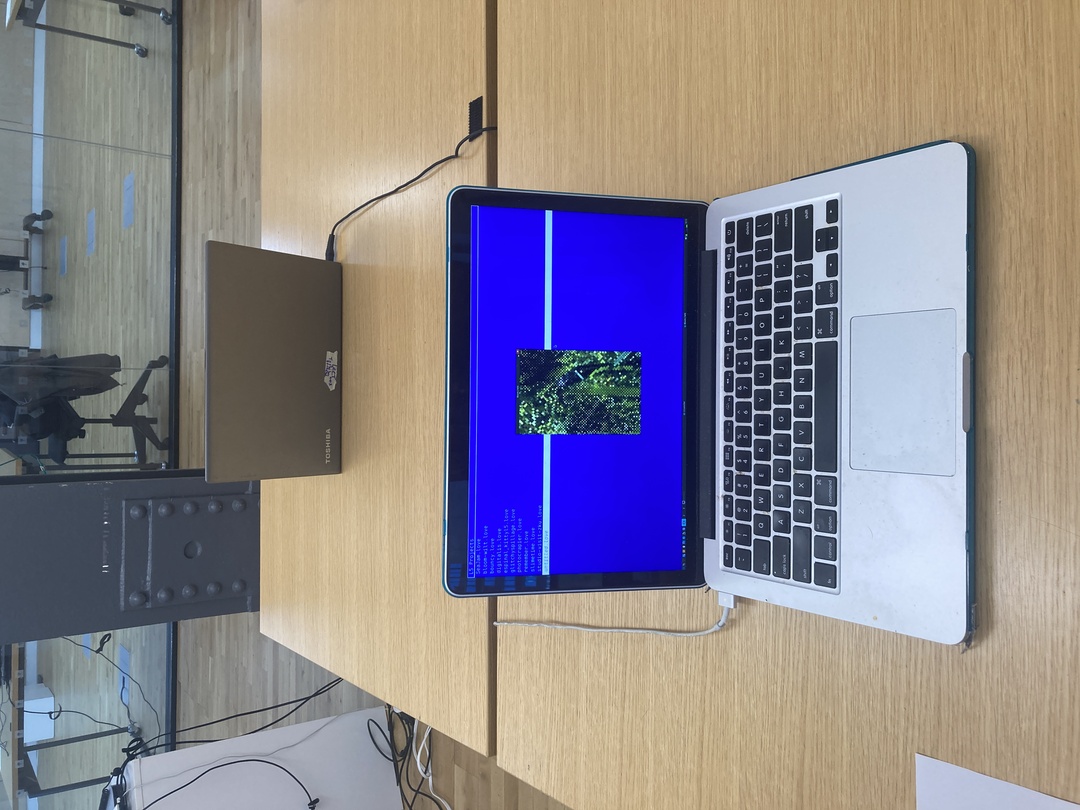
Bloom/Wilt on a 2012 Macbook
Operating Systems selection
L5 has been tested on Mac, PC, Linux, iOS, Android, Haiku.
To simplify installation set up, even though I’ve successfully run L5 on older Windows and Mac, I selected antiX Linux to run on most of the computers because it is a free and open source operating system, designed to work efficiently on older computers. Notably, it is much faster than older Windows or Macintosh operating systems. antiX provides an out of the box desktop oriented OS, suitable even for those previously unfamiliar with Linux. But it also retains the ‘power user’ features of Linux that make it easier to administer: there are familiar hotkey keybindings, the Terminal can quickly launch and run scripts, and the system presents ‘everything as a file’ for any needed customizations.
antiX is derived from the Debian operating system, widely popular, with its emphasis on stability and longterm support of hardware, also underlying the popular Ubuntu and Raspberry Pi OS distributions, among many others. What antiX brings to Debian is that it is lightweight, fast, and small. It is relatively easy to use with both ancient and recent machines, characteristics shared with the L5 creative coding library.
As antiX is open source software, a user has access to modify system source code and drivers should that be necessary. In this case, it was necessary! Two of the Macbooks upon installing the antiX system and booting up for the first time had issues where the mouse was frozen and sending spurious mouse clicks. Through some antiX forum posts I managed to track down a solution to fix this, by permanently setting up ignoring part of the trackpad reporting and then turning on trackpad tap-to-click by modifying a system file. An alternative solution would be to just have plugged in an external mouse instead, but this allowed using the native hardware trackpad, reducing the need for setting up and tracking extra hardware during the exhibition.
In addition to antiX we also presented L5 projects running on Haiku, which we installed onto a 2015 Macbook Air. Haiku is an innovative, independent open source operating system that is a refreshing alternative to macOS and Linux. It has been in beta production for 25 years but is already usable as a main machine. It does not allow LLM code. The Haiku user interface is designed as a friendly graphically-oriented desktop machine and contains all the software someone might want to do basic computer things like read and write, use the internet, play games, write code, and more. Its interface is an interesting contrast to the typical Macintosh Finder.
The oldest machines: 32bit vs 64bit machines
To oversimplify a bit, computers made until around 2010 are generally 32bit machines, when they began to be produced as 64bit. antiX is one of the few still-maintained operating systems providing the latest OS that can run on older 32bit machines. There is no guarantee this open source community-maintained distribution will always produce this. For example, Debian, which antiX is a derivative of, no longer provides 32bit installations going forward, and their last LTS (Long Term Support) release is guaranteed security updates only through June 2028. The current L5 Cyber Cafe 32bit machines are the Dell Latitude D610, from 2005, and the Eee PC 1005HA, from 2009.
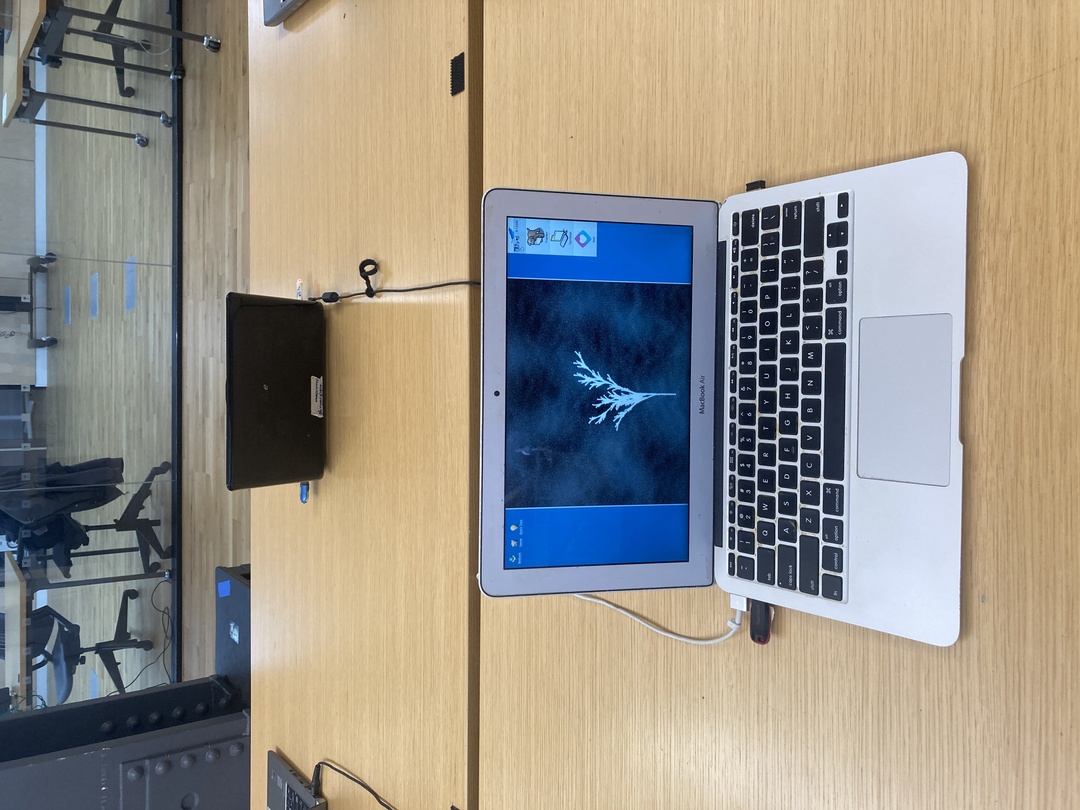
Digitalis, showing generated plant stems on a Macbook Air 2015 running HaikuOS
Setting up the machines
Overview of setting up a computer for the Cyber Cafe:
- Download antiX Linux (or Haiku or other OS) to your computer, selecting 32bit or 64bit version depending on the destination machine it will installed onto.
- Flash the OS to a USB stick. I use the command line Linux software dd but another popular option is the simple GUI application Balena Etcher.
- When complete, plug the USB into the laptop where it will be installed. Turn on the laptop and press the key combo needed to launch from the USB. For a PC this depends on the machine’s hardware manufacturer, and options include repeatedly striking the escape key, or pressing the F2 or F12 function keys for example. Alternatively, you can boot into BIOS or the UEFI settings (look this up online for your computer’s manufacturer) and change the boot order in the Advanced Settings, putting the USB first, then saving and rebooting. On any Mac, all you need to do is press and hold the option key on startup to select booting from USB.
- The computer starts up in the live USB system. In antiX you boot into the desktop after choosing the init system (default: runit). Double click on the antiX installer application on the desktop. Choose the standard full disk installation. It takes 3 to 10 minutes depending on how powerful the computer is. When installation completes you can shut down the machine, pull out the USB and reboot the system to make sure it all starts up okay for the first time. On the Eee PC I wanted to preserve the original Windows XP operating system so I only run antiX from the live USB without installing it permamently to the computer.
- If all is well after booting up your new OS, first update the system software using aptitude in the Terminal or the antiX Control Centre from the menu bar. On some machines you may need to set the system clock first, which also can be done in the Control Centre. A correctly set clock is required for standard encryption, including in a web browser and when installing software packages.
- Next install LOVE, which can be done in the command line with sudo apt install love. It is about 5mb.
- Finally, use a USB stick to transfer the L5 Launcher and Community Jam projects to each host computer.
- You can open up and run the L5 Launcher program and select one of the programs to launch
The organizer experience
Processing Community Day had over 300 peple registered for attendance and the exhibition was opened throughout the day. As it was held at a university many of our undergraduate visitors were born around the time of some of the computers we presented. Our Dell Latitude (2005) and Eee PC (2009) were older than some of the visitors.
The current version of the Launcher allows you to launch any number of L5 projects, so some folks did exactly that, launching 5 or 6 or more different simultaneously-running L5 projects. If you did this in a web browser with p5.js, or maybe with Processing, I think it may crash or not be able to present these all simultaneously. I was a bit worried about running this many programs on these older computers, but they didn’t seem to have any problem. Still, I may modify this behavior to make it easier to run single L5 projects centered with a black background one at a time in the future in an ‘exhibition mode’.
It is a typical experience in many DIY artist-run spaces, and even at galleries, showing new software-based artworks for the artist or curator/organizers to have to be ‘on-hand’ hovering nearby the computers to make sure they can reset them should they crash, need to be reset, and help visitors understand how to use them, etc. This was one of the first times in memory I had a good 6 simultaneously running projects (or more) on as many machines where I not only did not need to be on-hand I could walk away for hours. None of the machines needed to be reset or restarted.
The visitor experience
We had a lot of great conversations with visitors, who had questions about the projects, the laptops and the operating systems. For the future we may ask jam participants to prioritize creating interactive projects as it seemed many visitors wanted to play with interactive works and quite a bit of the jam submissions were simulations or more screensaver-like! This may have to do with the fact that we were at a Processing-based conference, which means a high number of creative code programmers specifically in attendance, oriented around exploration and trying things out!
Many of the visitors were excited to see these old computers, either ones they had themselves possibly used in their childhood or past, or were so old they hadn’t experienced them before. There were lots of cameras coming out, and folks tried out all of the projects, using the trackpad to interact, even the non-interactive ones! They also enjoyed just trying out these operating systems. Haiku has a delightful ‘oldschool’ but accessible aesthetic, and some people thought it was like a fake or emulated operating system made as an interactive artwork. I showed them that it was actually a full operating system running our projects.
After setup, at some point I thought - “this looks like a bootleg apple store”, but thankfully, that’s fine, and I don’t think my joke was actually true. It looked like accessible, playful interactive software artwork, and that’s what it was, and it looked inviting. These clearly well-used personal computers served as a perfect platform for presenting new work and showing a variety of approaches to making art with code. While anyone in the world could submit work to the L5 Community Jam, we had some locally-based artists using L5, and they came and visited. It was nice to meet them.
The exhibition was open 10 to 7pm. I had feared that at some point we’d need to put an “out of order” sign on any machine if it crashed, like we used to do at Babycastles gallery. I was particularly fearful of the oldest machines like the Eee PC or Dell Inspiron from 2005 crashing. But no problems occurred.
Late in the event we taught a workshop Creatively Permacomputing, an Introducting to Creative Coding with L5, and we had a packed room. I think seeing L5 running on all of these machines may have helped sell it.
Considerations for the future
Going forward, it would be nice to do this again, perhaps in another context or space and exhibition. I have some ideas for refining the L5 Launcher software. It might be nice to have some more Haiku machines setup, though it’s hard to beat antiX for its ease of installation and setup, and my familiarity with Linux systems. It might be nice to have some recent macOS machines as well to show that L5 isn’t only for older hardware. Furthermore, L5 contributor Sam who designed the L5lua extension has been teaching workshops in jailbreaking iOS devices. It would be great to have a variety of Android and iOS devices showing L5 projects, perhaps with some more work done to refine the experience of presenting these works on tablet and phone.
Thanks to the Processing Community Day NYC organizers, all of the artists that contributed to the L5 Community Jam, and to collaborator Sam Heckle who has been so key to growing educational resources and the beginner-friendly L5lua extension.