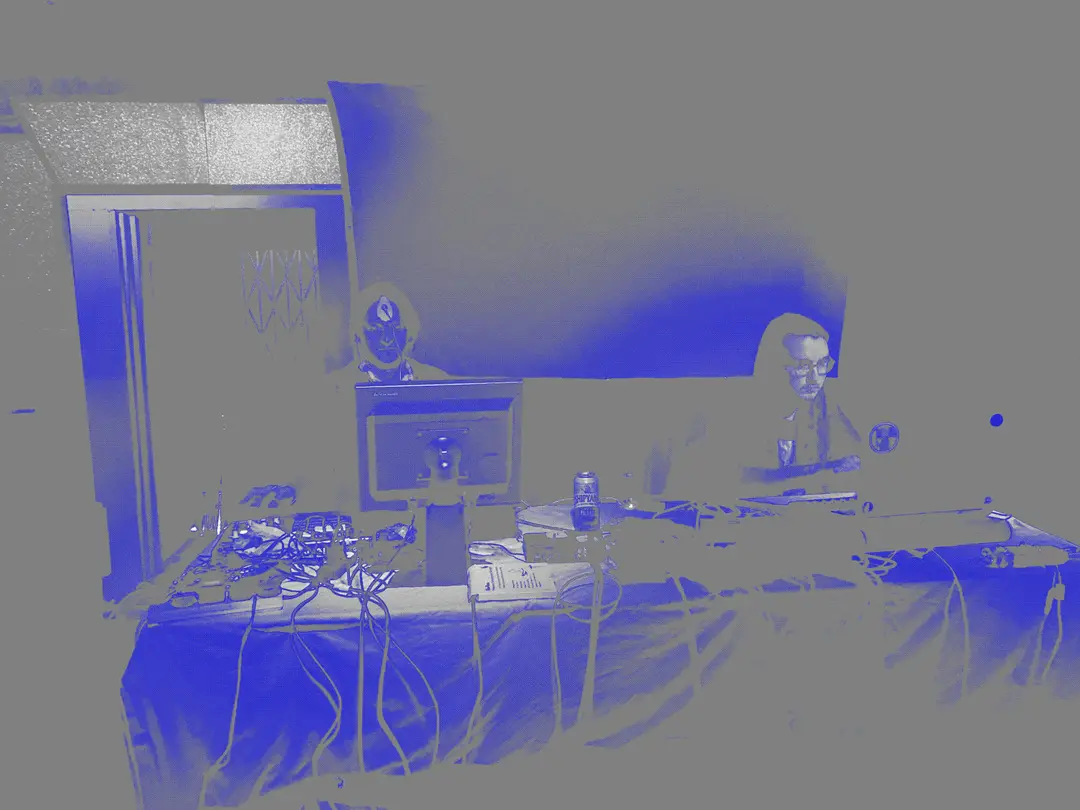
Manipulated duotone image of Interworld Media performing at Algorithmic Pattern Salon - Photo edited with didder (dithering, duotone) and imagemagick (file conversion).
These are command line shell snippets for useful utilities, sometimes referred to as incantantions. In a way, they are a kind of magic spell. These incantations transform text, images, audio and video.
If you’re not a command line user and not interested in learning it (also an okay choice!), I can recommend the free and open source GUI tool Krita for digital drawing and image manipulation. I actually prefer it to Photoshop. And for audio manipulation I recommend Audacity for basic editing and recording.
I’ve written previously on Why I use the command line, and Command line alternatives to cloud products and platforms. By far the simplest explanation of why you might use this instead of individually opening up a GUI like Krita is because the command line is a lot faster, rarely changes, and can be automated for converting an entire folder of images. For an intro to using the command line, there are many introductions online, or check out my decade+ old workshop notes for Intro to the Command Line.
Getting started with the command line does feel magical as you start to learn just how easy and fast it can be. But it takes time building up your spellbook. This page aims to be a place to find many of these starter scripts, especially for working with graphics and audio. Adapt and improve them to your needs.
This is a living page. More snippets may be added over time.
The workhorse programs we are using in the command line here are:
- pandoc for converting text between various formats, such as text to a website, ebook or pdf
- imagemagick for manipulating images, such as resizing, converting to black and white, removing the background, etc
- sox for converting, playing back and editing audio files
- ffmpeg to record, convert and stream audio and video
Optional but also useful:
- ghostscript for PDF creation
- weasyprint for converting websites to PDF
- tesseract-ocr for scanning images and converting to plaintext output
- aspell, a spell checker I use to autocorrect spelling errors
- didder, for making dithered images
Many of these programs I use in one-liner command line incantations. To convert a whole folder of files it is sometimes helpful to use them in a script.
File conversions - Video
Convert between video file formats.
This ffmpeg incantation converts between formats without re-encoding.
ffmpeg -i input.avi -c:v copy -c:a copy output.mp4
Trim out a section of a video file
With ffmpeg you can specify the start time and total length of time to record. In the snippet below we’ve specified 1 minute in (00:01:00) to begin and to keep 20 seconds of time from that point (0:0:20).
ffmpeg -vcodec copy -acodec copy -i inputvideo -ss 00:01:00 -t 0:0:20 outputvideo
Convert video to audio file with ffmpeg
ffmpeg -i input.mp4 -f mp3 output.mp3
Convert folder of images to a video with ffmpeg
This takes all jpeg photos in a folder (in alphanumeric order) and stitches them together to form a video file.
ffmpeg -framerate 30 -pattern_type glob -i '*.jpg' -c:v libx264 -pix_fmt yuv420p output.mp4
File conversions - Text
Concat (combine one after another) pdf files
Combine all of the pdf files in a folder, using ghostscript.
gs -dBATCH -dNOPAUSE -q -sDEVICE=pdfwrite -sOutputFile=output.pdf *.pdf
markdown to pdf
Convert a markdown file to a pdf file, using pandoc and weasyprint.
pandoc -s input.md --pdf-engine weasyprint -o output.pdf
pdf to plaintext
This has evolved to a more complex script that converts pdf pages to images, OCR scans each of them, runs a spell checker with autocorrect, then recombines them together into a single text file.
dependencies:
- tesseract-ocr
- ghostscript
- sed
- aspell
File conversion - Image
Dither image files
Using imagemagick apply Floyd-Steinberg Dithering and color palette reduction to 8 colors and save as a png.
magick input.jpg -dither FloydSteinberg -colors 8 output_dithered.png
Dithering with didder
didder can do complex dithering techniques and is a bit more user-friendly and full-featured for controlling dithering than imagemagick. In the example below I specify the three colors that the input image should be downsampled to, with a 32x32 Bayer matrix, at 85% strength and a brightness o 45%. In cidentally, the specified color names are svg color names.
didder -i input.jpg -o output.gif -p "cornflowerblue burlywood saddlebrown" --strength 85% --brightness 45% bayer 32x32
File conversion - Audio
Wave file to mp3
Using sox to convert audio between formats.
sox input.wav output.mp3
Other Audio
Trim audio recording down to one second
This sox incantation can take any length audio file and trim it to a smaller section.
sox input.wav output.wav trim 0 1
Concat (Combine one after another) two audio files
Place audio snippets one after another in a new file, using sox.
sox a.wav b.wav c.wav concatenated.wav
Combine audio (mix sound on sound)
Blend two sound files together with sox.
sox -m a.wav b.wav c.wav mixed.wav
Reduce volume by 12dB
Sox can change volume of a file.
sox speech.wav output.wav gain -12
Play internet radio
There are many dedicated internet radio streaming programs, such as pyradio, which has a nice text user interface, but this simple sox play command works too.
play -t mp3 https://infraordinary.fiveradiostations.com:8443/stream
Add reverb to audio
Add some reverb to dry sound recordings with sox.
sox input.wav output.wav reverb 50 50 100
Other file manipulation
Rename files ordered numerically - Bash shell
This is a small Bash script for renaming all jpg files in a directory from alphabetic to numeric order. The 02d means generate file numbers 00-99. Use 3d for 000-999.
i=1
for f in *.jpg
    do mv "$f" "$( printf "%02d.jpg" $i )"
    ((i++))
done
Rename files ordered numerically - Fish shell
If you, like me, prefer fish shell for the command line, here’s how to do it:
set i 1
for f in *.jpg
    mv "$f" (printf "%02d.jpg" $i)
    set i (math "$i + 1")
end
Web Design
Starter CSS
This is an example of a minimal CSS stylesheet to help make a site with article text easier to read. This blog and website for example is built up from a starter like this.
body {
  max-width: 65ch;
  padding: 0.5rem;
  margin: 0 auto;
}

blockquote {
  border-left: 0.25rem solid darkseagreen;
  padding-left: 1rem;
}
More resources
Check out Commandlinefu for hundreds of examples of additional incantations.
For an extensive how-to guide to using ffmpeg, the magical audiovisual recorder and converter, check out ffmprovisr.
For more info on imagemagick, check out its website for extensive documentation.
And pandoc document converter also has great documentation.