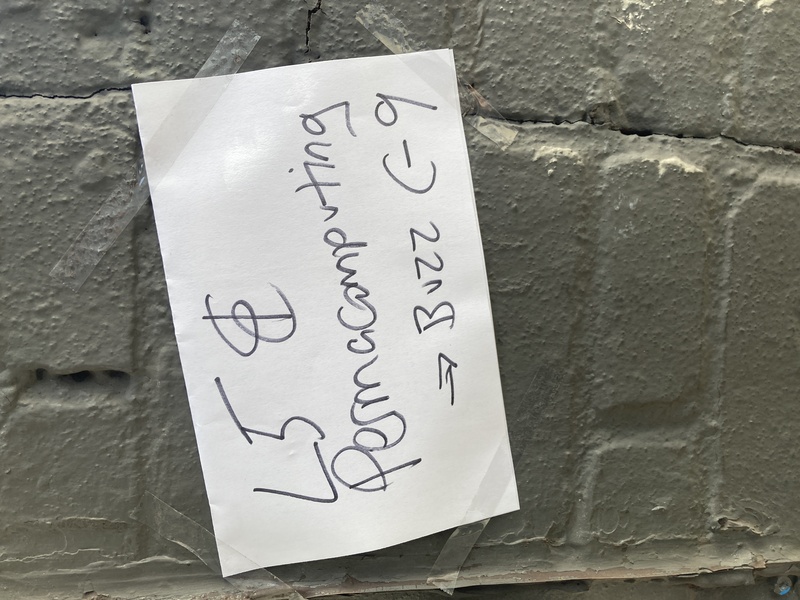
Today we held a small L5 Contributors Meetup in Brooklyn, New York.
L5 is a Lua-based creative coding library from the family of Processing-p5 languages and is out in early alpha now about a month.
I posted on my own instagram last Thursday that I was looking for some help this week testing L5 on various computers, including old Mac and PCs, and almost a dozen people responded that they wanted to meet up. I was blown away, and realized that my apartment wouldn’t accomodate that, nor would a backup conference room I had quickly booked at the library. I kept looking for another space we could move to based on our size and thankfully a friend from CuteLab offered to host us. That was a good fit because it’s an electronic instrument/hardware hacker-type space where folks were engaged in writing software and building hardware instruments.
I hadn’t intended this to necessarily be the first Contributors Meetup but as we were going to have a pretty good size quorum of folks together, I put together an agenda for things to work on.
Agenda
- Introductions
- Intro to L5
- Permacomputing
- Breakout groups: try installing L5 and improve or create better documentation
- Website and L5 repo and L5 website repo
- Writing in Markdown
- Working with “issues” on GitHub
- Test L5 for feature parity, test shaders, report bugs, fix bugs
- What else? and What next?
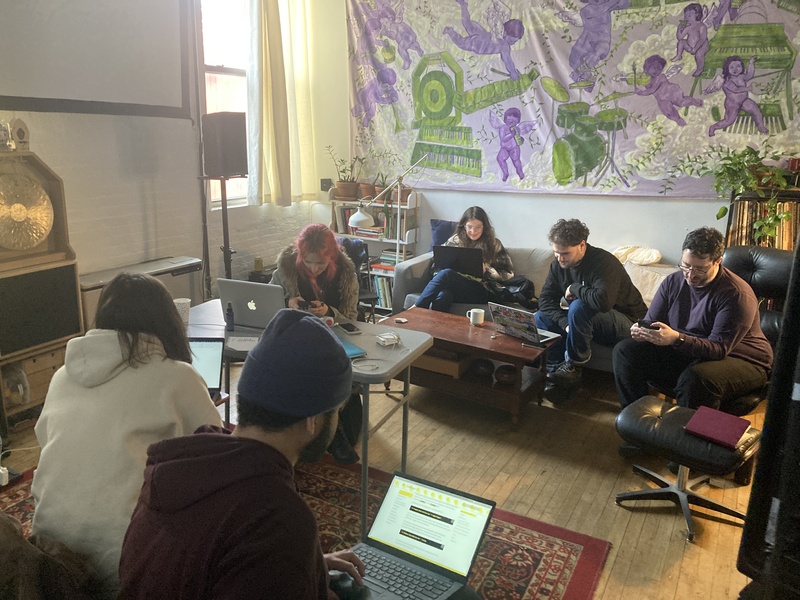
We met for 3 hours and there were 10 folks joining. I knew roughly half of the people. Most everyone did some form of creative computing but people came from varied backgrounds such as professors teaching with Processing and p5, past students, someone specialized in working with old hardware, live coders, and a friend that professionally writes documentation.
After introducing myself and the L5 library it turned out that about half of the group was already familiar with permacomputing. That was more than I had expected. We had a great conversation about the motivation for a creative coding library for older and lower-powered machines, about consumption and computers, and spoke about our own experiences in the field.
The next steps were to break out and work on installing L5, with an eye to testing the installation documentation and seeing where it could be improved. Within the group we had people testing on Mac, Windows, Linux, iOS (via Love2d-Studio) and Android. As predicted, the Mac and PC install instructions needed some work. Some bugs were reported, screenshots made. Some people made pull requests of the documentation.
This will seem obvious as I say it, but it’s so nice to have people in a room together, both for camaraderie in community, but also because it makes some things easier to discuss and work on. I think we (programmers) often forget that the tools for collaboration such as git and shared online documents evolved out of and are no replacement for a small group of people working together IRL.
Professor Sam suggested altering the L5 Starter Project to have just a bit more code. I had adapted the p5.js starter code, but Jonah pointed out that code made sense for the browser context but that seeing a window pop up and show a grey background actually looked kind of broken to a beginner. We discussed a few background colors, whether we should use variables, and how much code and comments should be in there. Ultimately, we went with this starter code as a good balance between beginner-friendly and just-enough to create a starter that can be used and modified to make more advanced projects. It also includes the L5-specific windowTitle() function, Lua-style comments and the describe() function, and continues the same use of yellow used on the L5 website.
require("L5")

function setup()
  size(400, 400)

  -- Set the program title
  windowTitle("Basic sketch")

  describe('Draws a yellow background')
end

function draw()
  -- Fills the background with the color yellow
  background(255, 215, 0)
end
Jonah suggested adding a link to directly download the L5 starter in another place on the Download page. Jess documented issues resulting from trying to install unsigned executables on a new Mac, then pull-requested some changes to make things clearer.
I had wanted to test updated shader code to see if it worked on iOS and Android. Andy tested on iOS with the Love2d-Studio application. Nico tested downloading the apk for Android and struggled to get it working. Ultimately he did, after finding some help on the internet. They both tested a development branch of L5 I had made to test updated shader code with fallbacks for the filter() function. It worked on iOS but Nico had some issues on Android that will require more testing.
Indira tested out running Linux for the first time. I had brought a USB drive loaded with MX Linux and she ran it off a 10 year old Macbook someone gave me, with XFCE desktop environment.
It became clear that a serious pain point for many is the install. If you’re not a command line programmer then most will opt for the GUI drag-and-drop approach to running an L5 program by dropping a project folder with your code and L5 onto the Love2d application. The Love2d downloaded app needs to be executable, and double clicking it, as many people expected to work, produces an attractive screen saying your game is missing. It is not at all obvious to folks to drag and drop their folder holding their game onto the program. After this process I think we need to rethink the install recommendations again! Ideally, I get L5 mode in Processing working soon, and other options should be Zerobrane Studio, Visual Studio Code, and then command line. It would be nice to alter one of the Visual Studio Code extensions for Love2d for L5. Since I myself mostly work on the command line, and code in Neovim, in Linux, it was really helpful to have all of these other folks around to remind me that there’s still much to be done to make this more beginner-friendly.
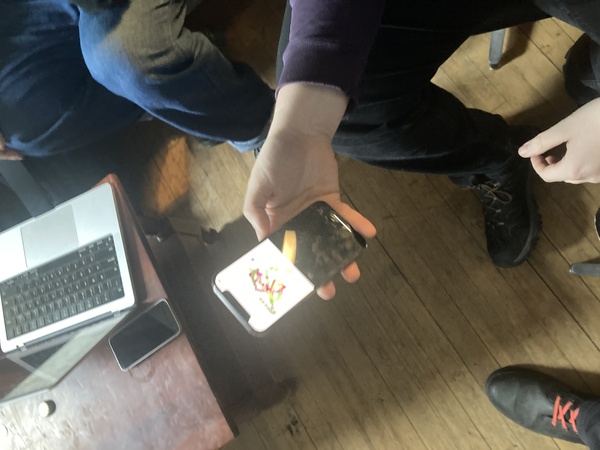
It turned out that my development-branch tests of shader code with fallbacks did resolve build errors on iOS, though testing on more machines is still necessary. Nico had a shader error when testing on Android for example. I’ll soon acquire a 17 year-old eee PC computer so I’ll be able to check out more old installs of Windows for compatibility as well. There’s more to be done on this.
Other useful things that came out of meeting was discussing using multiple image sources for the L5 website so that there are fallbacks for browsers that can display jpg but not webp. That’s now added to the TODO list as well!
It was really great getting to meet so many people and being able to brainstorm together. People were interested and had a lot to contribute. Even though I had originally only intended on an informal get-together with a couple friends to test out L5 on old machines, it serendipitously turned into a first contributors meetup. I met many new people, and it exceeded my expectations. I think based on this there is enough energy and interest for monthly or semi-monthly meetups in New York, and hopefully this can lead to more contributions elsewhere as well.
Thanks again to CuteLab for hosting us. And thanks to contributors Jonah, Andy, Nico, Indira, Iwan, Iain, Sam, and Jessica for a great meetup.