Week 7 - Random Robots Painting
Date: 2026-10-05
Today
- More about objects in Lua
- Arrays vs Objects
- Creating objects dynamically
- Random Robots
- Strudel practice time
Slime mold!
Review L5 Community Jam Projects
Using Objects
You now know how to use arrays (ordered tables) to store multiple values. objects let you group related values together using named properties instead of their index number.
The Problem with Multiple Arrays
Let’s say you used multiple arrays to store information about circles:
circleX = {100, 200, 150}
circleY = {100, 150, 200}
circleSpeedX = {2, -1, 1}
circleSpeedY = {1, 2, -2}
This approach is called parallel arrays. It works, but it has problems:
- It’s hard to keep track of which index goes with which circle
- If you add or remove a circle, you have to update multiple arrays
- The relationships between the data aren’t clear
Objects
An object is a table that uses named
properties instead of an index number. This is also called
an associative array - instead of accessing
values with numbers like circleX[1], you can
access them with names like circle.x.
To create an object in Lua, use curly brackets with
key-value pairs. A key-value pair is a
property name (the key) followed by = and then
its value:
ball = {x = 100, y = 150, speedX = 2, speedY = 1}This creates an object named ball with four
properties: x, y,
speedX, and speedY.
Accessing Object Properties
You can access object properties using dot notation:
print(ball.x)       -- prints 100
print(ball.speedX)  -- prints 2
You can also use bracket notation with strings:
print(ball["x"])       -- prints 100
print(ball["speedX"])  -- prints 2
Dot notation is usually easier to read, but bracket notation is useful when the property name is in a variable.
Modifying Object Properties
You can change object properties just like regular variables:
ball.x = ball.x + ball.speedX
ball.y = ball.y + ball.speedY
Here’s a complete example:
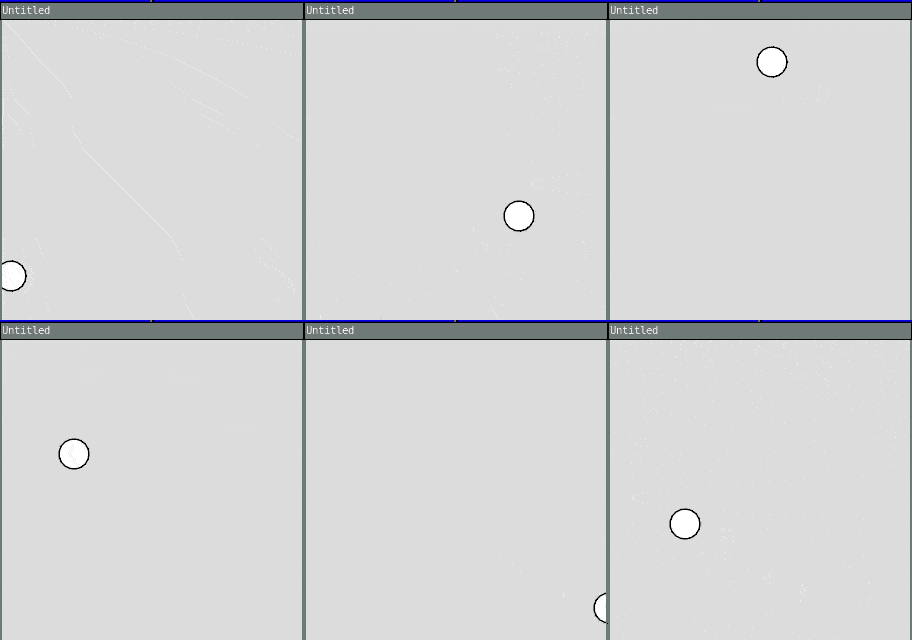
require("L5")

ball = {x = 150, y = 150, speedX = 2, speedY = 1}

function setup()
  size(300, 300)
end

function draw()
  background(220)

  -- Move ball
  ball.x = ball.x + ball.speedX
  ball.y = ball.y + ball.speedY

  -- Bounce off edges
  if ball.x < 0 or ball.x > width then
    ball.speedX = ball.speedX * -1
  end
  if ball.y < 0 or ball.y > height then
    ball.speedY = ball.speedY * -1
  end

  -- Draw ball
  circle(ball.x, ball.y, 30)
end
This is much clearer than using separate variables for each property!
Arrays of Objects
The real power of objects comes when you combine them with arrays. Instead of multiple parallel arrays, you can have one array of objects:
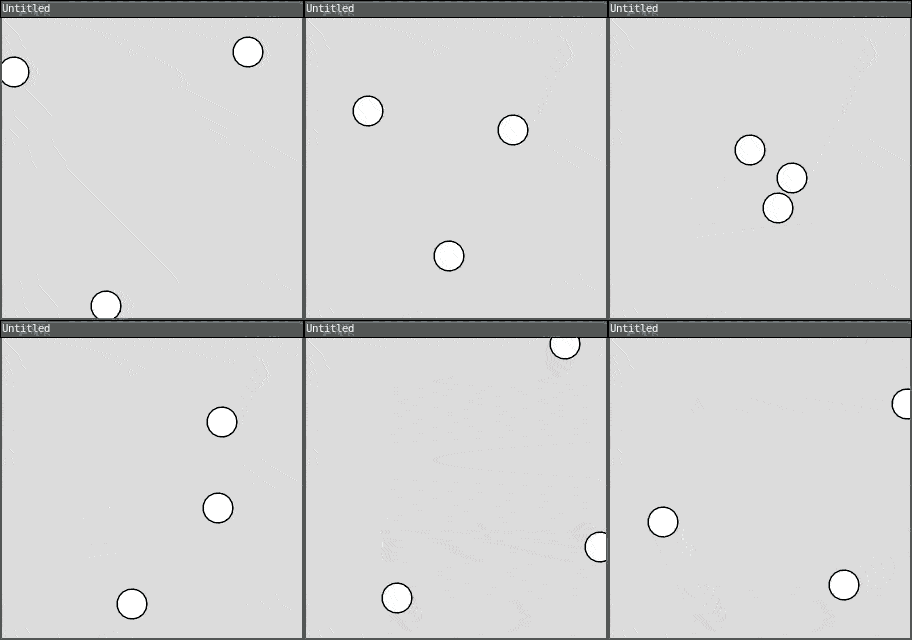
require("L5")

circles = {
  {x = 100, y = 100, speedX = 2, speedY = 1},
  {x = 200, y = 150, speedX = -1, speedY = 2},
  {x = 150, y = 200, speedX = 1, speedY = -2}
}

function setup()
  size(300, 300)
end

function draw()
  background(220)

  for i = 1, #circles do
    -- Move circle
    circles[i].x = circles[i].x + circles[i].speedX
    circles[i].y = circles[i].y + circles[i].speedY

    -- Bounce off edges
    if circles[i].x < 0 or circles[i].x > width then
      circles[i].speedX = circles[i].speedX * -1
    end
    if circles[i].y < 0 or circles[i].y > height then
      circles[i].speedY = circles[i].speedY * -1
    end

    -- Draw circle
    circle(circles[i].x, circles[i].y, 30)
  end
end
Now all the data for each circle is grouped together, making the code easier to understand and maintain!
Creating Objects Dynamically
You can create new objects and add them to an array:
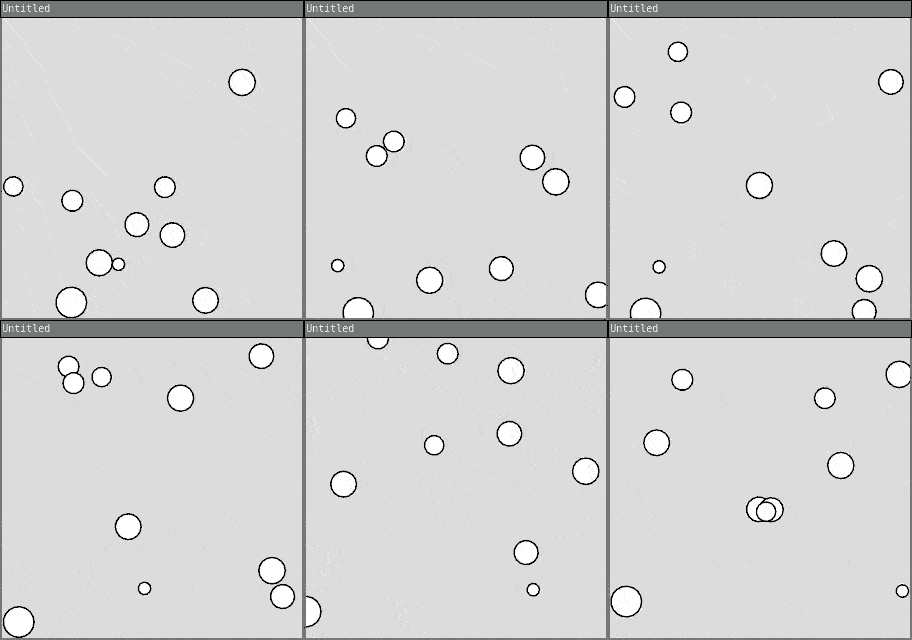
require("L5")

circles = {}

function setup()
  size(300, 300)

  -- Create 10 random circles
  for i = 1, 10 do
    newCircle = {
      x = random(width),
      y = random(height),
      speedX = random(-3, 3),
      speedY = random(-3, 3),
      size = random(10, 40)
    }
    table.insert(circles, newCircle)
  end
end

function draw()
  background(220)

  for i = 1, #circles do
    -- Move circle
    circles[i].x = circles[i].x + circles[i].speedX
    circles[i].y = circles[i].y + circles[i].speedY

    -- Bounce off edges
    if circles[i].x < 0 or circles[i].x > width then
      circles[i].speedX = circles[i].speedX * -1
    end
    if circles[i].y < 0 or circles[i].y > height then
      circles[i].speedY = circles[i].speedY * -1
    end

    -- Draw circle
    circle(circles[i].x, circles[i].y, circles[i].size)
  end
end
Each circle now has its own size too!
Interactive Example: Click to Add
Here’s an example where you can click to add new circles:
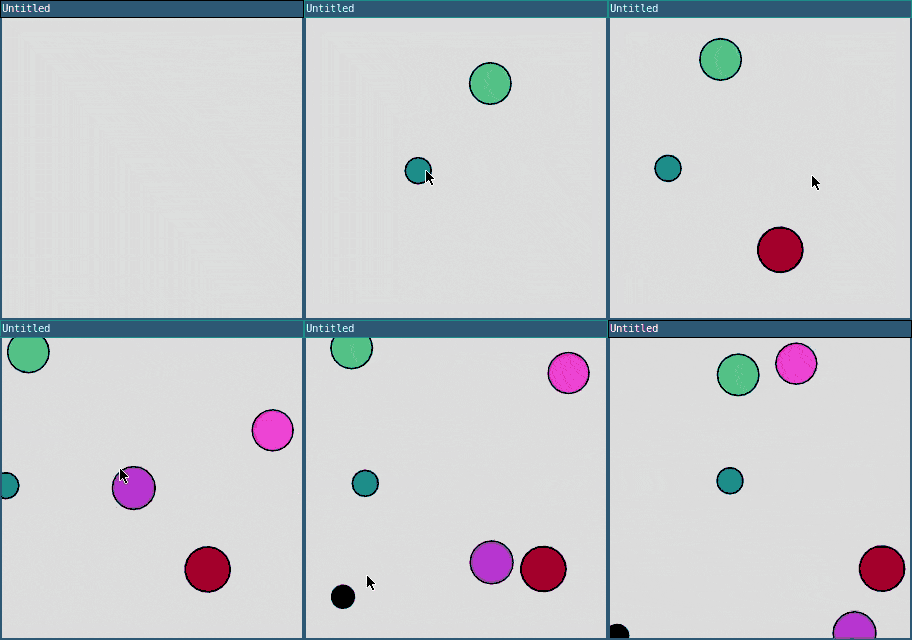
require("L5")

circles = {}

function setup()
  size(300, 300)
end

function draw()
  background(220)

  for i = 1, #circles do
    -- Move circle
    circles[i].x = circles[i].x + circles[i].speedX
    circles[i].y = circles[i].y + circles[i].speedY

    -- Bounce off edges
    if circles[i].x < 0 or circles[i].x > width then
      circles[i].speedX = circles[i].speedX * -1
    end
    if circles[i].y < 0 or circles[i].y > height then
      circles[i].speedY = circles[i].speedY * -1
    end

    -- Draw circle
    fill(circles[i].r, circles[i].g, circles[i].b)
    circle(circles[i].x, circles[i].y, circles[i].size)
  end
end

function mousePressed()
  newCircle = {
    x = mouseX,
    y = mouseY,
    speedX = random(-2, 2),
    speedY = random(-2, 2),
    size = random(20, 50),
    r = random(255),
    g = random(255),
    b = random(255)
  }
  table.insert(circles, newCircle)
end
Click anywhere to add a new bouncing circle with a random color and size!
Example: Particles
Objects are perfect for particle systems:
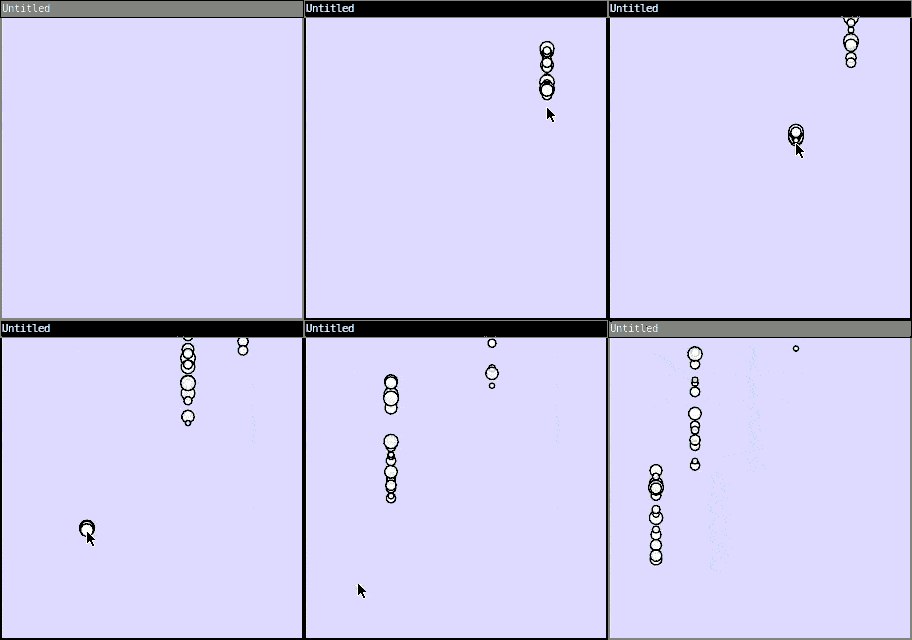
require("L5")

particles = {}

function setup()
  size(300, 300)
end

function draw()
  background(220, 220, 255)

  for i = #particles, 1, -1 do
    -- Update particle
    particles[i].y = particles[i].y + particles[i].speedY
    particles[i].life = particles[i].life - 1

    -- Draw particle
    fill(255, 255, 255, particles[i].life)
    circle(particles[i].x, particles[i].y, particles[i].size)

    -- Remove dead particles
    if particles[i].life <= 0 then
      table.remove(particles, i)
    end
  end
end

function mousePressed()
  -- Create burst of particles
  for i = 1, 20 do
    particle = {
      x = mouseX,
      y = mouseY,
      speedY = random(-5, -1),
      size = random(5, 15),
      life = 255
    }
    table.insert(particles, particle)
  end
end
Click to create a burst of particles that fade away!
Notice we loop backwards (#particles, 1, -1)
when removing items to avoid index problems.
Objects vs Arrays: When to Use Each
Use arrays (ordered tables) when: * You have a list of similar items * Order matters * You access items by position
Use objects when: * You have related data that belongs together * You want to access data by name, not number * You’re representing a “thing” with properties
Use arrays of objects when: * You have multiple “things” with the same properties * Each “thing” has several related values
Practice
- Create a simple game with player and enemy objects
- Build a starfield where each star is an object with position, size, and twinkle speed
- Make a drawing program where each stroke is stored as an object
- Create a simulation with objects that have different behaviors
- Build a simple physics engine with objects that have mass and velocity
- Make an interactive garden where each plant is an object that grows over time
The L5 reference at L5lua.org/reference has many more functions to explore. Most importantly: keep making things and have fun!
This section contains some text and concepts adapted from Using Objects by Lee Tusman and L5 Contributors and Using Objects by Happy Coding, licensed under CC BY 4.0
Workshop: Smart robot Alfie
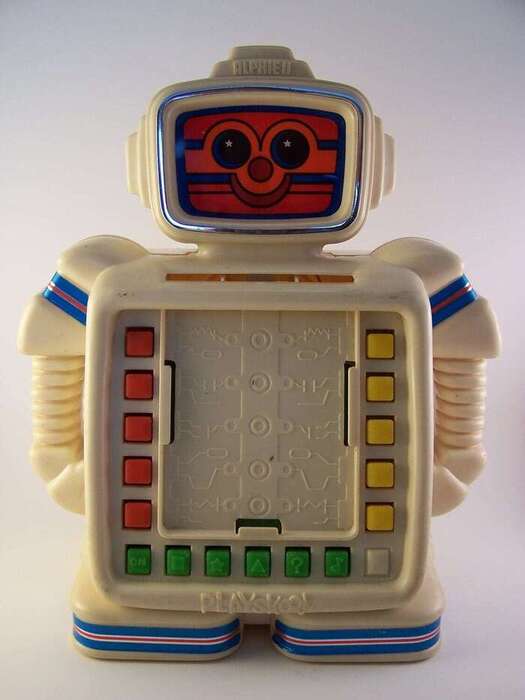
Alfie is a little robot who needs to pick up all the objects in the room and return them.
Create 5 random round obstructions in the center line of the sketch.
Create 5 boxes on the left side of the canvas.
Alfie the robot starts on the right side. He should pick up the boxes one at a time and return them back to the right side of the screen for safekeeping.
OPTIONAL: Moving obstacles.